
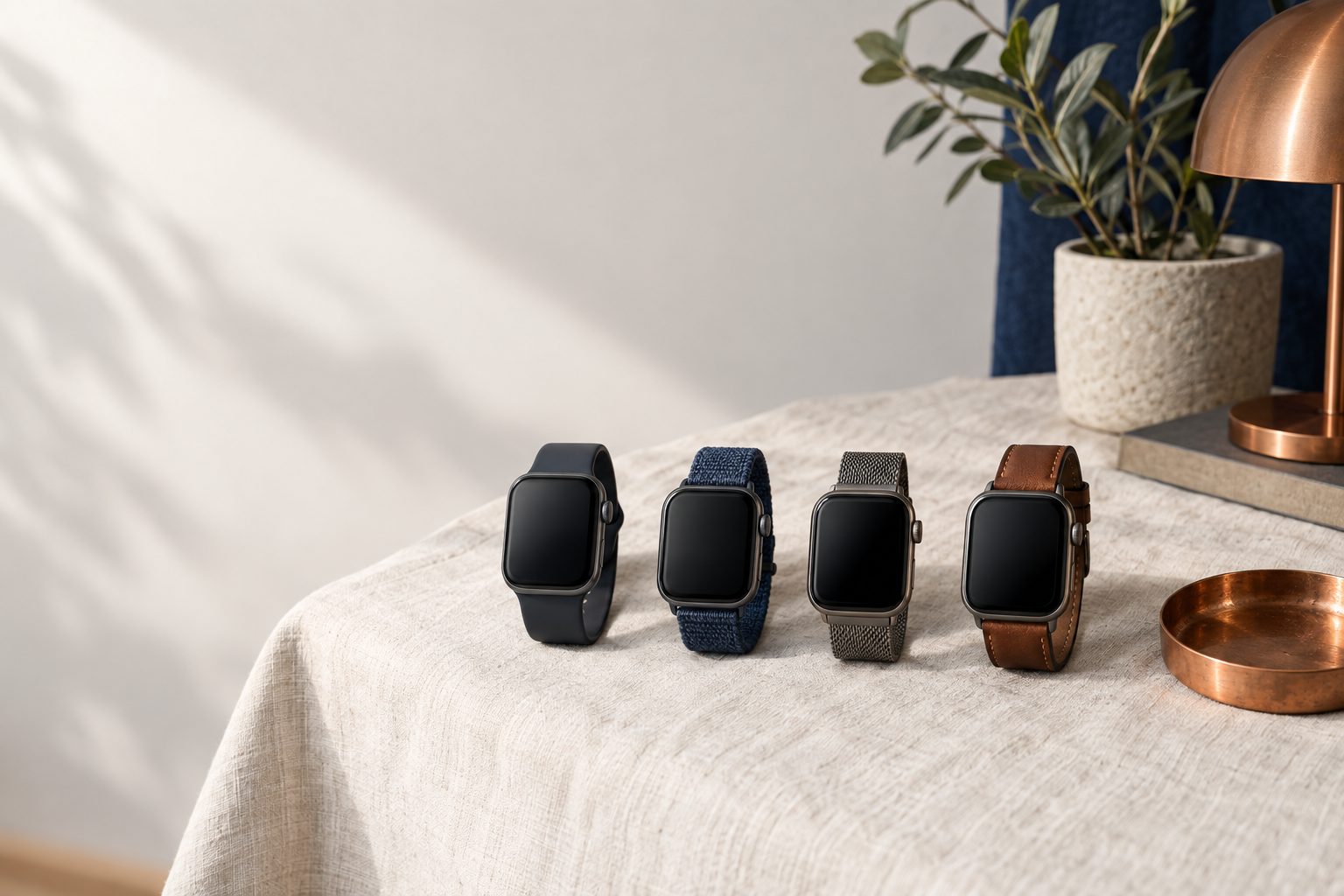
This guide is about the Apple Watch. We did not research Galaxy Watch, Wear OS watches or Garmin, so the steps below do not apply to those brands. Before paying for a refurbished Apple Watch, confirm that your iPhone can pair with it and that the watch is no longer tied to someone else's Apple account. If it is a cellular model, also confirm that its plan was cancelled and that your carrier supports it. When it arrives, check the battery and test it before the withdrawal period closes, if it applies to your online purchase.
The checklist before and after paying
- Find the watch model in Apple's compatibility table and confirm that your iPhone and iOS version qualify.
- Check which watchOS version that model reaches.
- Ask the seller to erase the watch and remove it from their Apple account. If you can, try pairing it to your iPhone before paying.
- If it is a cellular model, ask that the previous owner removed the data plan and cancelled it with their carrier.
- If it is a cellular model, ask your carrier whether it activates Apple Watch with cellular data.
- Look up the serial number in Apple's Check Coverage.
- When it arrives, read the maximum battery capacity on the watch itself.
- Clean the watch and band only with what Apple allows for each material.
- Get the warranty in writing and keep the box, packaging, receipt and photos until the withdrawal period ends.
Whether your iPhone can pair with it
An Apple Watch only works paired to an iPhone with a certain iOS version, and that requirement depends on your phone, not the watch. In Apple's table, the Series 12 and Ultra 4 need an iPhone 11 or later with iOS 27. The Series 11, SE 3 and Ultra 3 need an iPhone 11 or later with iOS 26. The Series 10, Series 9 and Ultra 2 need an iPhone XS or later. The Ultra, Series 8 and SE 2 need an iPhone 8 or later. The Series 5, 6 and 7 and the first-generation SE accept an iPhone 6s or later, and the Series 4 accepts an iPhone 6 (cellular model) or an iPhone 5s (GPS model). Apple notes that updating a watch to watchOS 11 requires an iPhone XS or later with iOS 18.
Older models have a ceiling. According to that table, the Series 4, Series 5 and first-generation SE go up to watchOS 10.6.1, the Series 3 to watchOS 8.8.1 and the Series 1 and 2 to watchOS 6.3.
How far it updates
According to Apple's security releases list, watchOS 27 came out on 14 September 2026 for Series 9 and later, and watchOS 27.0.1 arrived on 28 September. watchOS 26.6 reached Series 6 and later on 27 July 2026. We did not find end-of-support dates on the Apple pages we read, so we cannot tell you whether a Series 6, 7 or 8 will get another update. If you are comparing a Series 6 with a Series 9, weigh that software difference along with the price.
Activation Lock
Activation Lock turns on by itself when the owner sets up Find My on the paired iPhone. From then on, the watch asks for the Apple account email or phone and password before anyone can unpair it from their iPhone, pair it with a new iPhone or turn off Find My.
Apple describes three steps to get a watch ready to sell, which are unpairing it from the iPhone, removing Activation Lock and erasing it. The practical test is to pair it to your iPhone. If during setup it asks for the previous owner's Apple account password, the lock is still on and only that person can remove it. The check Apple describes in the Apple Watch app (My Watch > All Watches > info button) is done from the owner's iPhone, not yours.
If the owner has already handed the watch over, Apple says they can erase it and remove the lock from iCloud.com, in Find My iPhone > All Devices > Erase Apple Watch, and then with the X button. Ask the shop to do it before shipping it to you.
Cellular models
When unpairing a cellular Apple Watch, Apple says to remove the data plan, and warns that you must contact the carrier to cancel the subscription, because carrier charges may apply. Ask that the previous owner did it. We did not research in this guide which Chilean carriers activate cellular Apple Watch, on which plan or at what price, so confirm with your carrier before buying a cellular model.
Apple says its cellular models were optimised "for use in the country of purchase" and that not all of them work in every country or region, and their A#### model numbers change by region. Find the number printed on the back of the watch and compare it with the table Apple publishes by country before paying.
The battery
On the watch, go to Settings > Battery > Condition and scroll down to the maximum capacity. Apple says the battery is designed to retain up to 80% of its original capacity after 1,000 complete charge cycles. Apple sets no minimum percentage for buying a used watch. The more-than-80% floor that Mercado Libre Chile asks for its refurbished items is that platform's rule, not Apple's, and we did not confirm how it applies to watches.
Apple says some models recalibrate the capacity reading after a software update. A reading taken before that update may not be accurate, so read it again after updating. If the capacity does not match what the shop advertised, claim under its warranty.
Cleaning and bands
Apple allows cleaning the outside of the watch and the metal, Solo Loop, Ocean or Nike Sport bands with a 70% isopropyl alcohol wipe, a 75% ethyl alcohol wipe or Clorox disinfecting wipes. Do not use those products on fabric or leather bands, and do not use anything with bleach or hydrogen peroxide. Apple says nothing about using a band another person wore. If yours is fabric or leather, you cannot disinfect it with those products, so decide whether to keep it.
Apple's warranty and the shop's
In Apple's Check Coverage you enter the serial number and see the device's coverage. We did not confirm that the tool recognises every Apple Watch model.
Each shop's warranty is different. Reuse Chile states 13 months of warranty on refurbished and open box items, and BackOnline states 12 months on Apple Grade A and Open Box devices and 6 months on Grade B. DLphone sells watches, but the warranty it publishes is for phones and we did not find the term for watches. We did not confirm which of those shops have Apple Watch in stock or that their terms apply to watches, so confirm the term with the shop before buying.
Your rights in Chile
Ley 19.496 sets six months from receipt to exercise the options in articles 19 and 20 when they apply (article 21). Article 14 may exclude those options for goods disclosed before purchase as used or refaccionado (repaired), without removing a warranty offered by the shop. The law does not use the word "reacondicionado" (refurbished), so whether that exception reaches your watch depends on how the shop disclosed and sold it. Ask for the warranty in writing. Every Reacondi offer shows the warranty the shop states.
For an online purchase, article 3 bis letter b) may give you 10 days from receipt to withdraw without giving a reason, subject to exceptions. The period may extend to 90 days if the shop did not send you the written confirmation of the contract (article 12 A). You must return the original packaging elements in good condition, and before payment the shop must warn you, using the words "derecho a retracto", if it excludes this right. Testing the watch, pairing it and checking the battery fits inside that period.
If the shop does not answer, complain to SERNAC online, at an office or on 800 700 100. The detail and the law quotes are in your rights when buying refurbished, and the photo routine for opening the package is in what to check when it arrives.
Sources
- Apple, Apple Watch and iPhone compatibility
- Apple, security releases
- Apple, Activation Lock on Apple Watch
- Apple, before selling or buying an Apple Watch
- Apple, batteries
- Apple, Apple Watch battery condition
- Apple, battery recalibration
- Mercado Libre Chile, refurbished catalogue
- Apple, how to clean Apple Watch
- Apple, Check Coverage
- Ley 19.496 (consolidated text, DFL 3), BCN LeyChile, version 2025-07-11
- SERNAC, how to file a complaint
The Apple pages were read on 1 October 2026. Shop warranties are what each site stated on 30 September 2026 and can change. Nothing here replaces advice from a lawyer.